

- Click on the cards to download example render setups and inspect to see how they were prepared for Renderjuice.
- You can right click on the images themselves and press
Open Image in New Tabto inspect the output file more closely. - Examples are sorted from simplest features and setups to more complex ones.
Example Setups & Scenes
These basic scenes utilize very simple setups to maximize clarity and focus on independent concepts.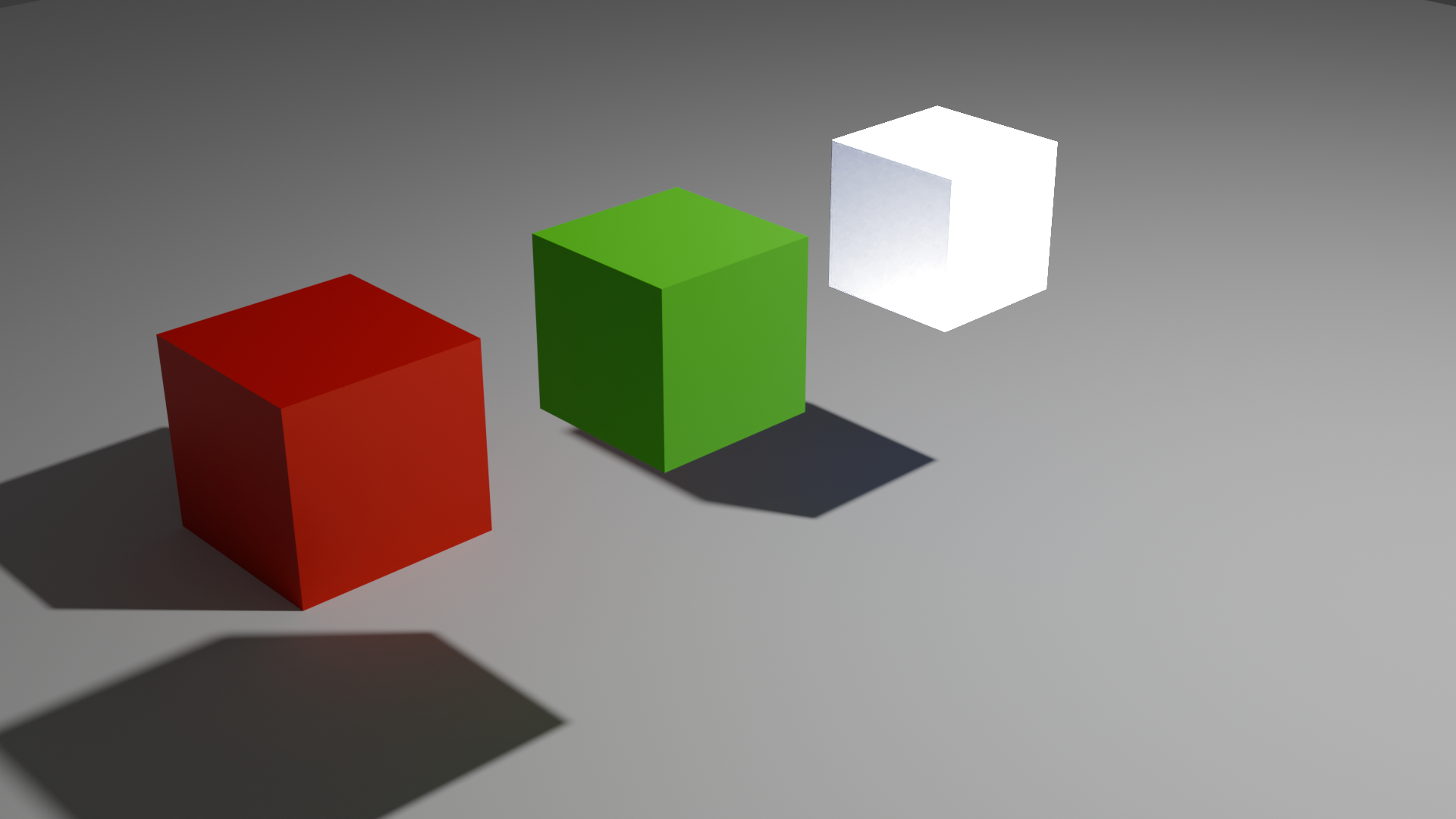
Composite Nodes, Red Green Blue Keying
Type:
Demonstrates how to render using Composite Nodes and the Blender Compositing tab.
Demonstrates how to render using Composite Nodes and the Blender Compositing tab.
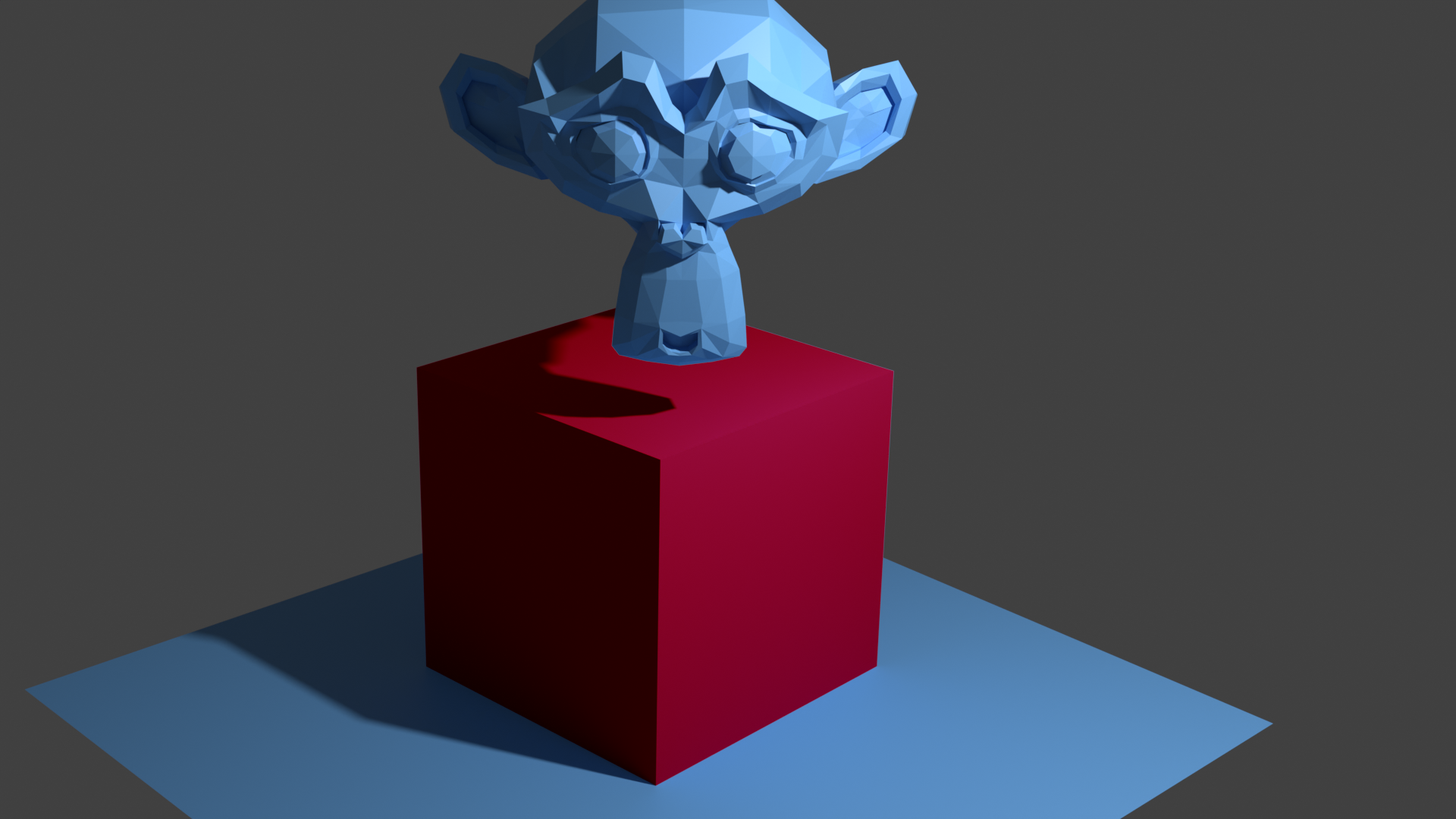
Cryptomatte Suzanne on Cube
Type:
Demonstrates usage of Cryptomatte nodes to render Suzanne, a Cube, and a Plane. All objects have the same material applied, but the cube has been matted-out and composited.
Demonstrates usage of Cryptomatte nodes to render Suzanne, a Cube, and a Plane. All objects have the same material applied, but the cube has been matted-out and composited.
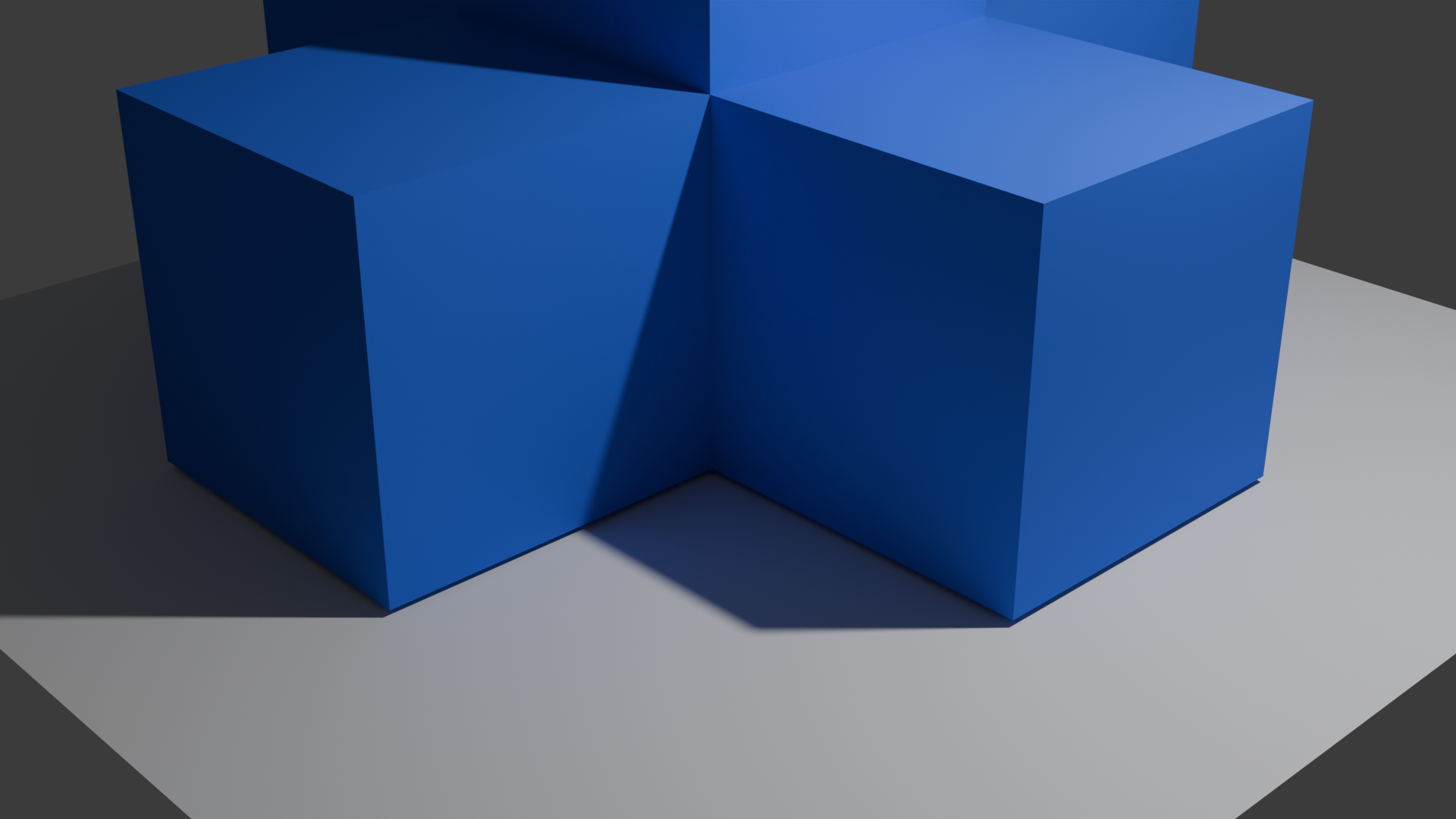
Simulation Nodes via Simulation Zones & Extrude
Type:
Demonstrates usage of simulation nodes with Renderjuice via Baking, Caching, then
Demonstrates usage of simulation nodes with Renderjuice via Baking, Caching, then
zip compression. More details are provided in our docs in the link below.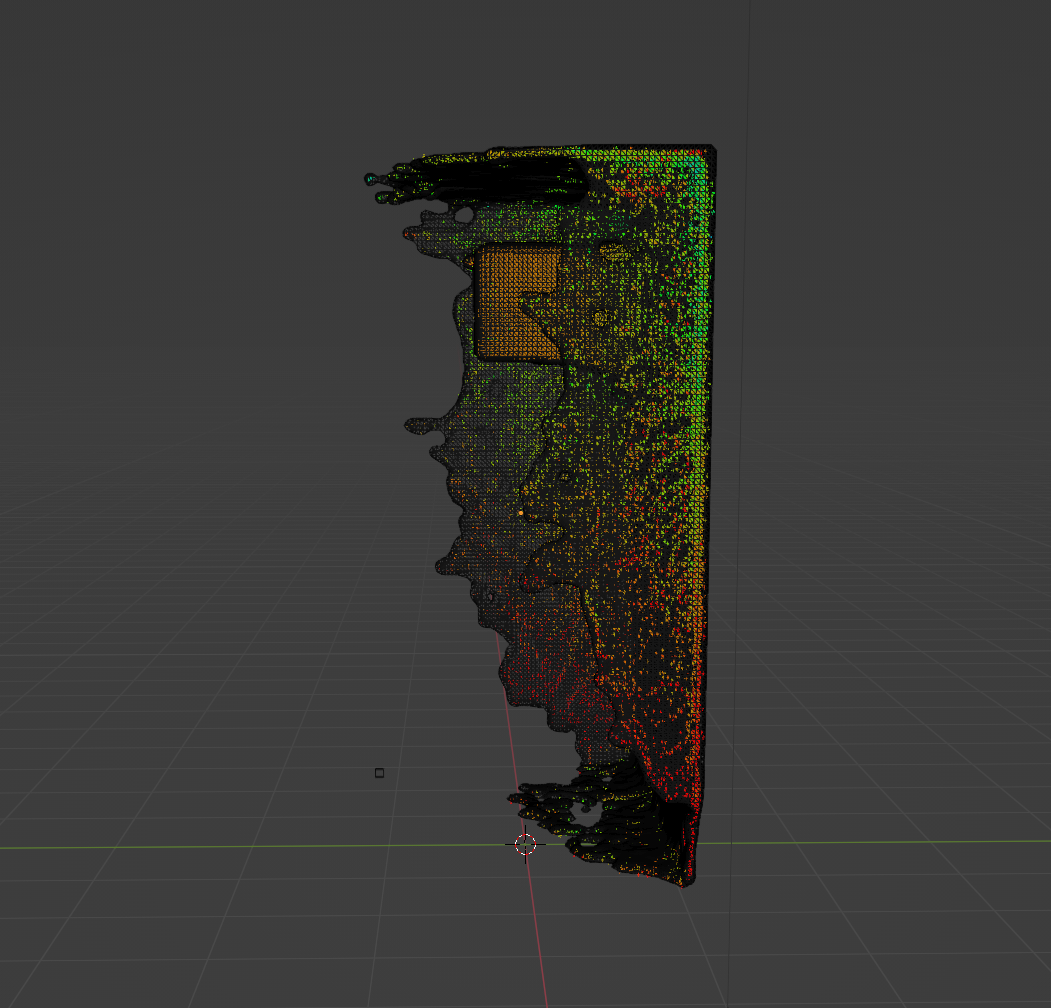
Fluid Simulation: A Cube Inflow & Domain Setup
Type:
Demonstrates usage of fluid simulations with Renderjuice via MantaFlow. More details are provided in our docs in the link below.
Demonstrates usage of fluid simulations with Renderjuice via MantaFlow. More details are provided in our docs in the link below.
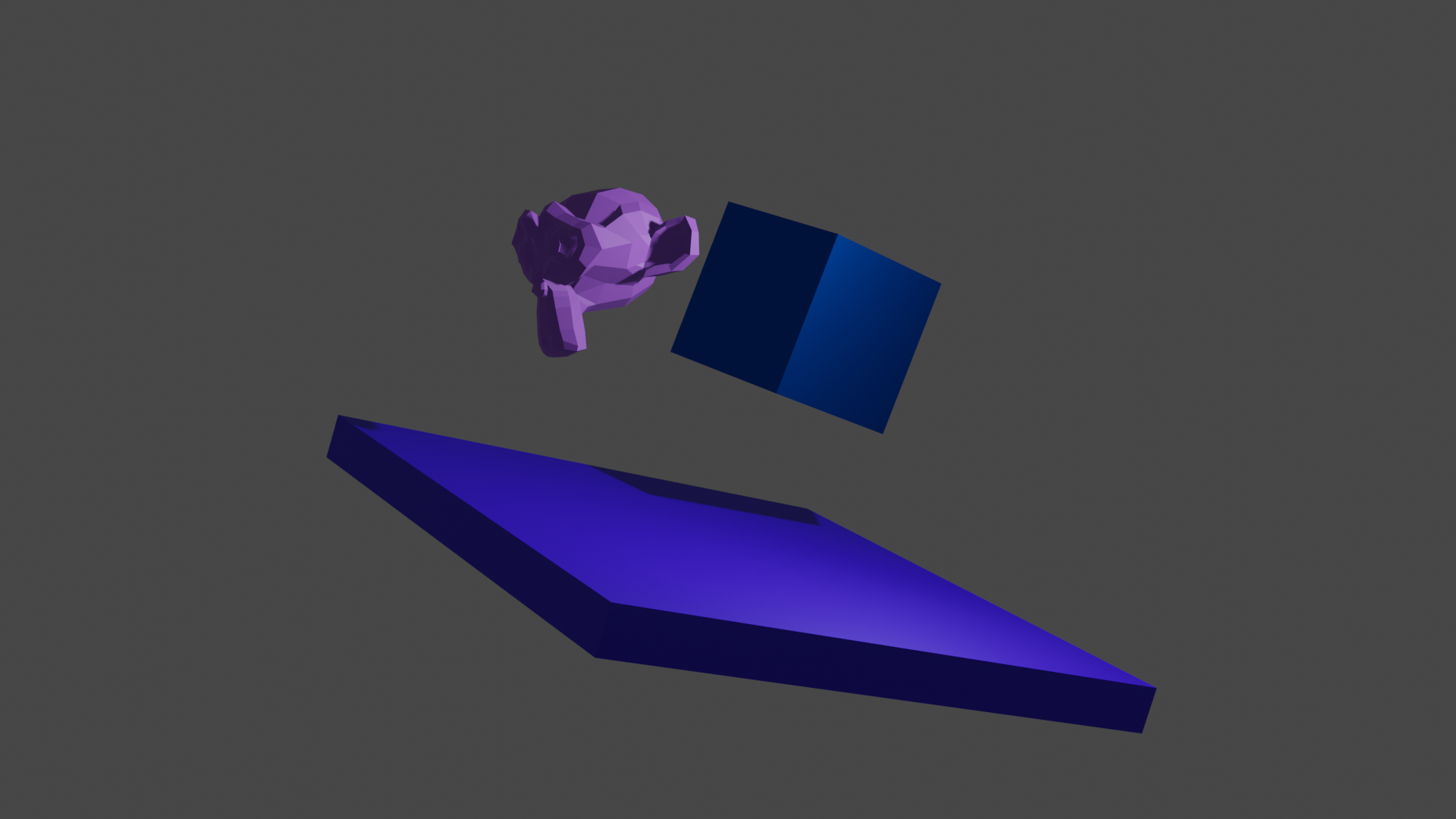
Rigid Body: A Falling Suzanne and Cube onto Plane
Type:
Demonstrates usage of rigid body simulations with Renderjuice via Baking to Keyframes. Note that you may also
Demonstrates usage of rigid body simulations with Renderjuice via Baking to Keyframes. Note that you may also
zip if desired via an external bake such as via Bake All Dynamics to disk. More details are provided in our docs in the link below.